
Custom Theme Development
Hand-coded themes built to your design. Editing runs through Advanced Custom Fields or native block patterns instead of a page builder.
Our WordPress development services deliver custom themes and plugins built around your content, not a purchased template weighed down by page builders and scripts you never use. Your team gets an admin that is easy to update.
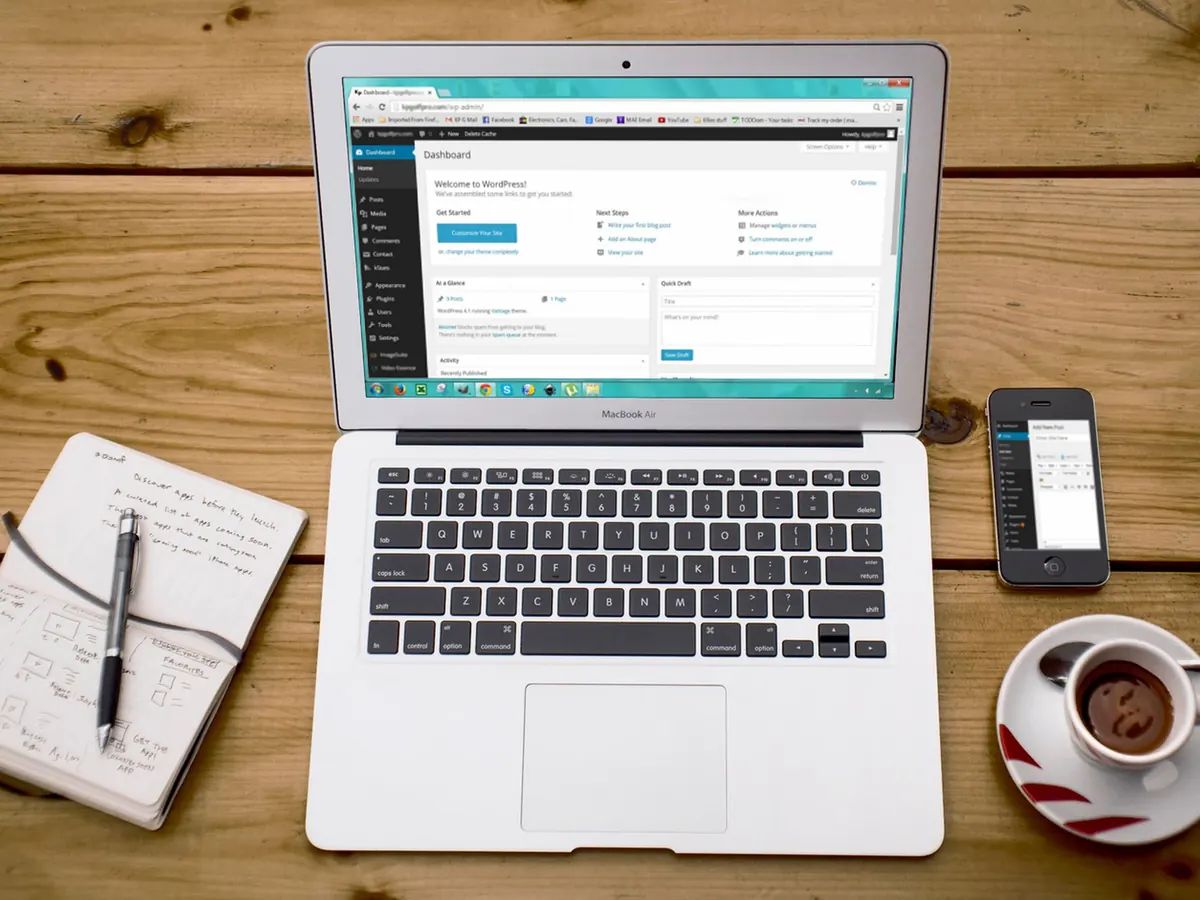
Our approach
WordPress powers a huge share of the web, and much of it is slow. Not because WordPress is slow, but because the typical build stacks a purchased theme on top of a page builder on top of a long list of plugins that each load their own assets on every page.
We build custom themes from a clean slate, coded to your design with only the functionality you actually need. The result is usually a lighter, faster site that is easier to maintain and less exposed to plugin vulnerabilities, which are among the most common routes into WordPress sites.
Your editors still get a familiar, genuinely easy admin. We just remove everything they will never use.
Sound familiar?
Speed reports stay red however many optimization plugins get added.
Changing a heading or an image means wrestling with a builder, or waiting for a developer.
Core and plugin updates get postponed because the last one took something down.
The original developer has moved on and left no documentation behind.
What’s included
Everything from a new custom build to rescuing a site someone else broke.
Hand-coded themes built to your design. Editing runs through Advanced Custom Fields or native block patterns instead of a page builder.
Purpose-built functionality when no existing plugin fits properly, written to WordPress coding standards and safe to update. Where a well-maintained plugin already does the job, we configure and integrate it instead.
Product architecture, payment gateways, shipping logic and tax configuration, with a checkout kept as short and clear as your store allows.
Plugin auditing, query optimization, asset consolidation, caching strategy, image pipelines and CDN configuration, aimed at getting your Core Web Vitals into the green.
Login protection, file permission auditing, malware scanning, firewall configuration, database hardening and automated offsite backups.
Moving to WordPress from another platform, or taking over a neglected site, including malware cleanup and recovery from a previous developer.
Network installations for multi-brand or multi-location businesses, plus WPML and Polylang setups that keep hreflang intact.
WordPress as a content API feeding a React or Next.js front end, so editors keep a familiar admin while the public site runs as its own application.
Performance & search
Both are far easier to build in while the theme is being written than to add once the site is live.
On a new build, templates stay lean, images are handled properly and caching is planned from the start, so performance does not depend on another optimization plugin.
On an existing site, we start with an audit to find what is actually causing the slowdown: commonly a page builder, unoptimized images, render-blocking assets, poor hosting or plugin conflicts. Many sites can be brought into the green with optimization alone, and that work is available as a standalone project. If a bloated theme is the root cause, we will say so plainly and recommend a rebuild rather than more patching.
Want to grow organic traffic after launch? Our SEO services pick up where the build ends.
Security & maintenance
WordPress is not a launch-and-forget platform. Core, themes and plugins all receive security fixes, and each update deserves a test before it reaches your live site.
Every build ships with security hardening in place. After launch, you can hand the routine work to us with a monthly care plan, quoted separately from the build:
New builds also come with a free support window after launch, covering bugs and anything that differs from the agreed spec.
Our process
Four stages, from clean install to trained team.
Content model, custom post types, taxonomy structure and field mapping agreed before development starts.
Custom theme coded to your design on a staging server, with the editor experience designed as carefully as the front end.
Content migration or entry, then performance, security, accessibility and cross-browser testing on real devices.
Deployment, redirect verification, analytics checks, plus recorded training and written documentation for your team.
Why choose us
The difference shows up in PageSpeed, in security logs and in your editors’ patience.
Custom themes load only the code each page needs, instead of a page builder’s full framework.
Fewer, carefully chosen plugins mean fewer places for vulnerabilities to appear, and fewer updates to manage.
A clean admin with only the fields your team needs, plus recorded training so nobody has to guess.
Code written to WordPress standards is far less likely to break when a core update arrives than quick fixes patched into a child theme.
Starting from scratch? Our website design team produces the layouts your custom theme is coded from, so design and build follow one plan.
WordPress in practice
A bloated purchased theme loading in eleven seconds, a five-step checkout, and category pages competing with each other for the same keywords.
Ground-up custom WooCommerce theme, checkout reduced to two steps, category architecture rebuilt with proper faceted navigation control, and full product schema implementation.
140% revenue growth year on year
FAQ
Themes, editing, WooCommerce, migrations and pricing: what business owners ask before a WordPress project starts.
Marketplace themes are built to satisfy thousands of different buyers, so they ship with far more code than any one site will use. That extra weight is one of the most common causes of poor Core Web Vitals in WordPress. They also tend to tie you to a page builder, which makes every future change harder.
A custom theme costs more upfront, but it often costs less over the life of the site, because it is faster, simpler to maintain and easier to change.
Yes, and more easily than with a builder. We use Advanced Custom Fields or native block patterns to give your editors clearly labeled fields for each section, so updating content is straightforward and it is hard to break the layout by accident. You get recorded training and written documentation at handover.
Yes. Beyond the store setup itself, we can import and structure your existing product catalog, connect payment gateways such as Razorpay, Stripe and PayPal, and add product schema markup.
For catalogs above roughly ten thousand SKUs, we will discuss whether WooCommerce or a dedicated platform is the better long-term fit. The answer depends as much on catalog complexity and order volume as on product count.
Yes, whether you are coming from Wix, Squarespace, Shopify, Drupal, Joomla or a custom build. Migrations are quoted on content volume and complexity. Every old URL is mapped to its new address and redirected, so the search visibility your current site has built up carries over as fully as possible.
Yes. We start with a code and security audit so you know what you have inherited, clean up anything dangerous, document the setup properly, and then take over maintenance or continue development from there.
Most projects take one of three shapes: a brochure or corporate site on a custom theme, a WooCommerce store, or a more complex build such as a multisite network, a multilingual site or a headless setup. Pricing depends on the number of templates, the store requirements and how much custom functionality is involved.
We quote a fixed price after discovery, billed in milestones with no ongoing lock-in. Care plans and hosting are optional and quoted separately. To see how our published website builds are priced, compare our web development packages.
Send us the address. We will run a free speed, security and plugin audit, then explain what is holding the site back and what it would take to fix it. Planning a new build instead? Tell us what the site needs to do.